Embark on an immersive journey into the world of PC gaming, where unparalleled customization, cutting-edge graphics, and a vast library of titles await. Whether you’re a seasoned veteran or a curious newcomer, this comprehensive guide will equip you with the knowledge you need to navigate the landscape of PC gaming and unlock its full potential. From understanding the hardware requirements to optimizing your gameplay and exploring the vibrant PC gaming community, prepare to level up your gaming experience.
Why Choose PC Gaming?
PC gaming offers a unique and compelling experience that sets it apart from console gaming. The advantages are numerous and appeal to a wide range of gamers.
Unrivaled Customization and Upgradability
Unlike consoles, PCs are inherently customizable. This flexibility allows you to tailor your gaming rig to your specific needs and budget.
- Component Selection: You can choose every component, from the CPU and GPU to the RAM and storage, ensuring optimal performance for your favorite games.
- Upgradability: As new hardware becomes available, you can easily upgrade individual components to keep your PC at the forefront of gaming technology. For example, upgrading your graphics card can dramatically improve visual fidelity and frame rates in demanding games. A common upgrade path is to start with a mid-range GPU and upgrade to a high-end one after a few years.
- Peripheral Choices: The world of PC peripherals is vast, offering a wide array of keyboards, mice, headsets, and controllers to suit your preferences. You can even customize these peripherals further with aftermarket keycaps, custom mouse feet, and personalized settings.
Superior Graphics and Performance
PC gaming generally offers better graphics and performance than consoles due to the ability to use higher-end hardware.
- Higher Resolutions: PCs can support resolutions up to 4K and even 8K, providing incredibly sharp and detailed visuals.
- Higher Frame Rates: Higher frame rates (measured in FPS – frames per second) result in smoother and more responsive gameplay. PCs can often achieve frame rates of 60 FPS or higher, while consoles may be capped at 30 FPS in some games.
- Advanced Graphics Settings: PC games typically offer a wider range of graphics settings, allowing you to fine-tune the visual quality and performance to your liking. For instance, you can adjust texture quality, shadow detail, and anti-aliasing to optimize the game for your specific hardware.
A Vast and Diverse Game Library
The PC boasts the largest game library of any platform, spanning a wide range of genres and eras.
- Access to Indie Games: The PC is a haven for independent game developers, offering a wealth of innovative and unique gaming experiences that are often unavailable on consoles. Platforms like Steam and Itch.io showcase these indie gems.
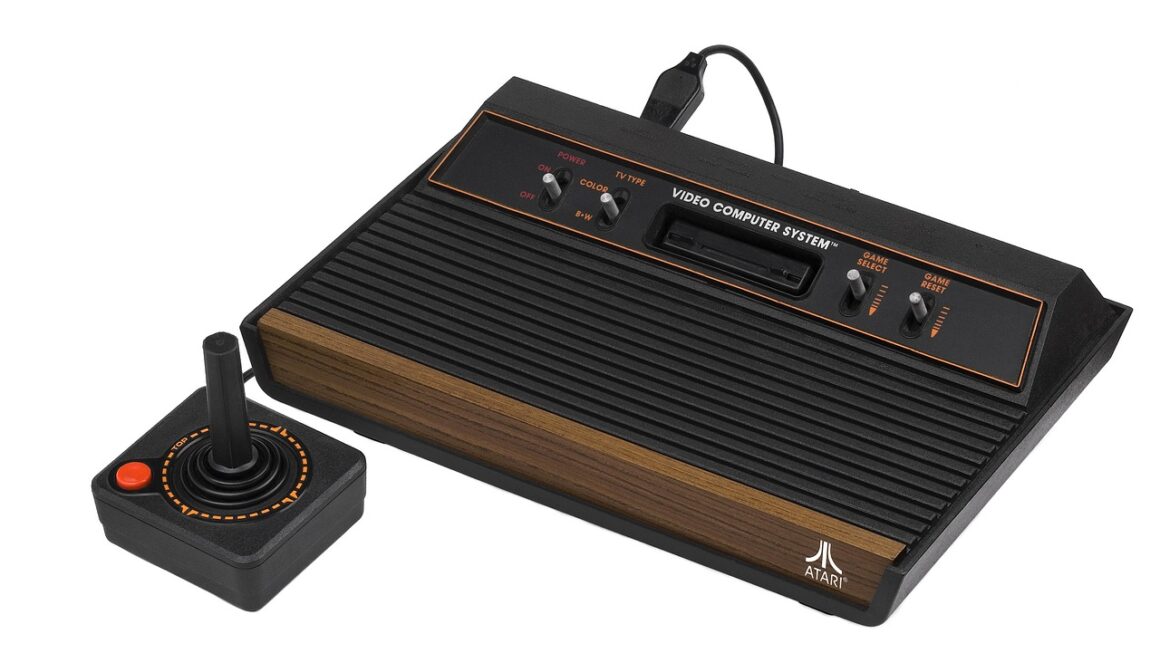
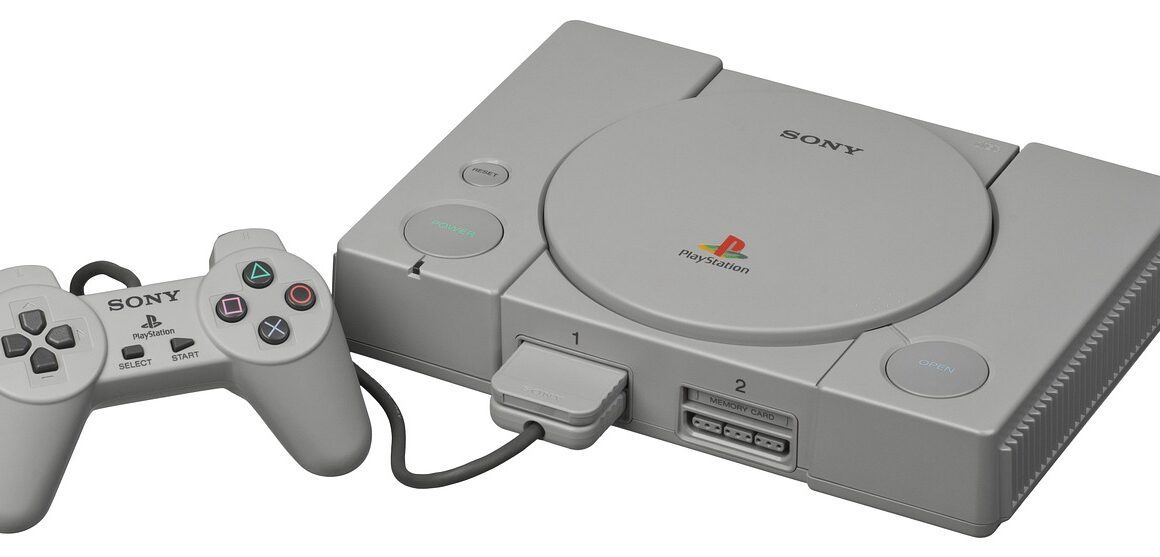
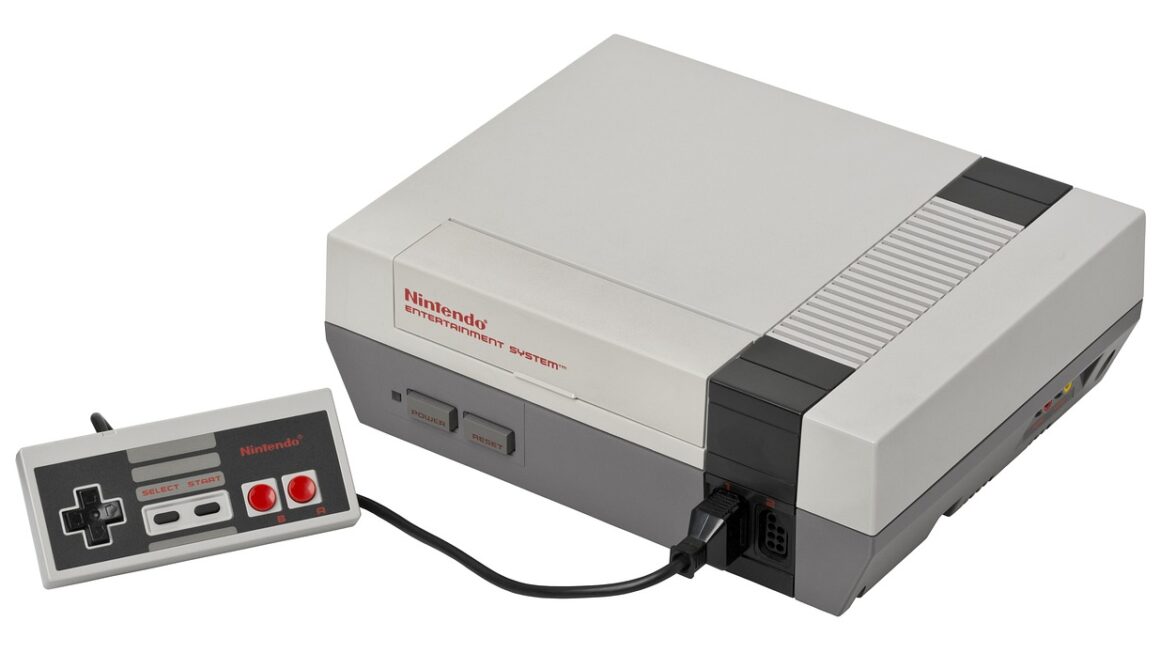
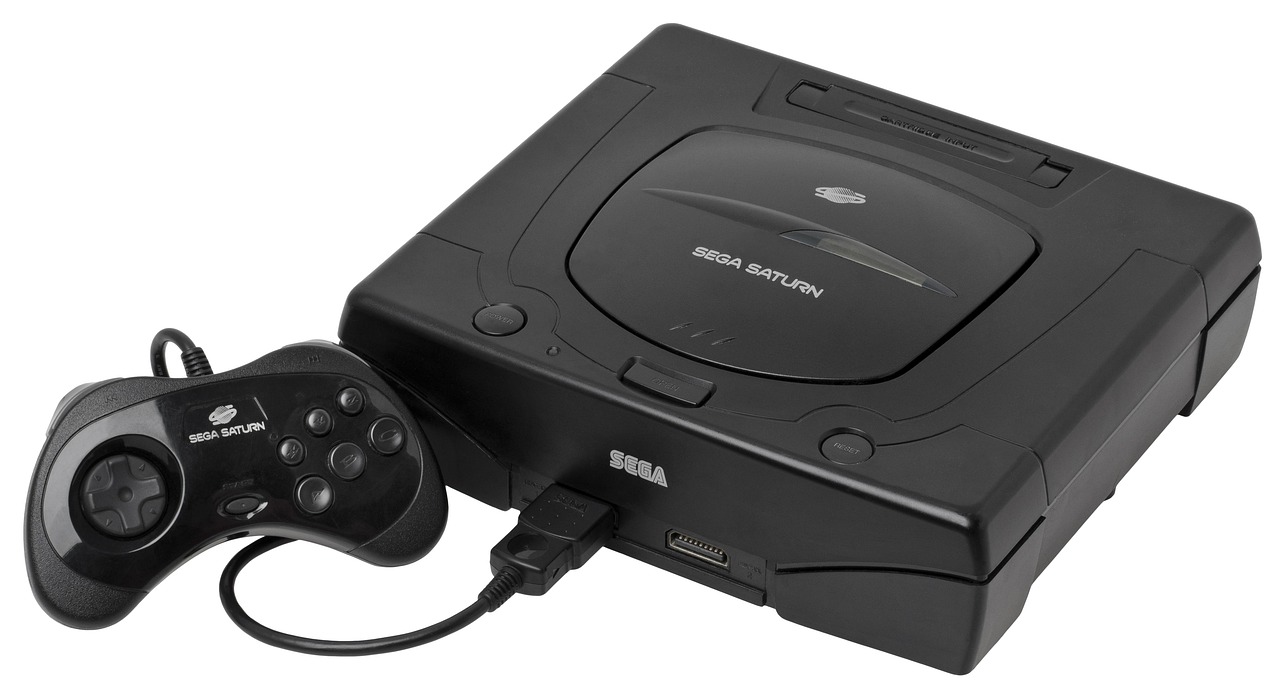
- Emulation: PC gaming allows you to emulate older consoles and play classic games from the past, preserving gaming history and offering nostalgic experiences.
- Exclusive Titles: Many PC games are exclusive to the platform or released on PC before consoles, giving PC gamers access to the latest and greatest titles.
Building or Buying a Gaming PC
Choosing between building your own PC and buying a pre-built system is a crucial decision. Both options have their advantages and disadvantages.
Building Your Own PC: The DIY Approach
Building your own PC can be a rewarding experience, offering greater control over component selection and potentially saving money.
- Component Compatibility: Use websites like PCPartPicker to ensure that all your chosen components are compatible with each other.
- Research is Key: Thoroughly research each component to understand its performance characteristics and ensure it meets your needs. Read reviews and compare specifications before making a purchase.
- Step-by-Step Guidance: Follow online tutorials and build guides to guide you through the assembly process. Many excellent video tutorials are available on platforms like YouTube.
Buying a Pre-Built Gaming PC: Convenience and Simplicity
Pre-built gaming PCs offer convenience and simplicity, allowing you to start gaming right away without the hassle of assembly.
- Turnkey Solution: Pre-built PCs are ready to use out of the box, saving you time and effort.
- Warranty and Support: Pre-built PCs typically come with a warranty and technical support, providing peace of mind.
- Brand Reputation: Choose reputable brands that offer reliable products and excellent customer service.
Essential PC Gaming Peripherals
The right peripherals can significantly enhance your gaming experience.
Keyboard and Mouse: Precision and Control
The keyboard and mouse are the primary input devices for PC gaming.
- Mechanical Keyboards: Mechanical keyboards offer tactile feedback and durability, making them a popular choice among gamers. Consider the different switch types (e.g., Cherry MX, Gateron) to find one that suits your typing style.
- Gaming Mice: Gaming mice typically have high DPI (dots per inch) and adjustable weights, allowing for precise and customizable control. Look for features like programmable buttons and ergonomic designs.
- Ergonomics: Proper ergonomics are crucial for long gaming sessions. Ensure your keyboard and mouse are positioned correctly to avoid strain and discomfort.
Headsets and Audio: Immersive Sound
A good headset or audio system is essential for immersive gaming.
- Gaming Headsets: Gaming headsets often feature surround sound and noise cancellation, enhancing the audio experience and allowing you to hear subtle cues in the game.
- Speakers: If you prefer speakers, choose a set that delivers clear and balanced audio. Consider a 2.1 or 5.1 system for a more immersive experience.
- Sound Cards: A dedicated sound card can improve audio quality and provide more advanced features, but is not always necessary for modern gaming PCs.
Monitors: Visual Clarity and Responsiveness
The monitor is your window into the gaming world.
- Refresh Rate: A higher refresh rate (measured in Hz) results in smoother motion and reduced motion blur. Look for monitors with a refresh rate of 144Hz or higher for competitive gaming.
- Response Time: A lower response time (measured in milliseconds) reduces ghosting and blurring, improving image clarity.
- Resolution: Choose a resolution that is appropriate for your graphics card. 1080p is a good starting point, while 1440p and 4K offer higher levels of detail.
Optimizing Your PC for Gaming
Optimizing your PC can significantly improve performance and ensure a smooth gaming experience.
Driver Updates: Keeping Your Hardware Current
- Graphics Card Drivers: Regularly update your graphics card drivers to the latest version to ensure optimal performance and compatibility with new games. NVIDIA and AMD provide driver updates through their respective software.
- Other Drivers: Keep your motherboard, audio, and network drivers up to date as well.
Game Settings: Finding the Sweet Spot
- Experiment with Settings: Experiment with different graphics settings in each game to find the best balance between visual quality and performance.
- Utilize Benchmarking Tools: Use in-game benchmarking tools or third-party software to measure your frame rates and identify performance bottlenecks.
- Consider Adaptive Sync: Technologies like NVIDIA G-Sync and AMD FreeSync can eliminate screen tearing and reduce input lag, resulting in a smoother gaming experience.
System Maintenance: Keeping Your PC Healthy
- Defragment Your Hard Drive: Defragmenting your hard drive can improve performance by organizing files more efficiently. (Not applicable to SSDs)
- Clean Up Unnecessary Files: Remove temporary files, unused programs, and other unnecessary files to free up disk space and improve system performance. CCleaner is a popular tool for this purpose.
- Monitor System Temperatures: Monitor your CPU and GPU temperatures to ensure they are within safe limits. Overheating can lead to performance issues and hardware damage.
Exploring the PC Gaming Community
The PC gaming community is vast and diverse, offering opportunities to connect with other gamers, share experiences, and learn new things.
Online Communities and Forums
- Reddit: Subreddits like r/pcmasterrace, r/gaming, and r/buildapc are popular forums for PC gamers.
- Gaming Forums: Many gaming websites and publishers have their own forums where you can discuss games, hardware, and other topics.
Streaming and Content Creation
- Twitch and YouTube: Watch live streams and video game content on platforms like Twitch and YouTube. Consider creating your own content to share your gaming experiences with others.
- Streaming Software: Use software like OBS Studio to stream your gameplay and interact with your audience.
Esports and Competitive Gaming
- Professional Gaming: Follow professional gamers and esports tournaments to witness the highest level of competitive gaming.
- Participate in Tournaments: Participate in online or offline tournaments to test your skills and compete against other players.
Conclusion
PC gaming offers a unique and rewarding experience that combines unparalleled customization, superior graphics and performance, and a vast and diverse game library. Whether you choose to build your own PC or buy a pre-built system, the key is to tailor your setup to your specific needs and preferences. By optimizing your PC, exploring the PC gaming community, and staying up-to-date with the latest hardware and software, you can unlock the full potential of PC gaming and embark on countless adventures. Embrace the flexibility, power, and community that PC gaming offers, and prepare to elevate your gaming experience to new heights.