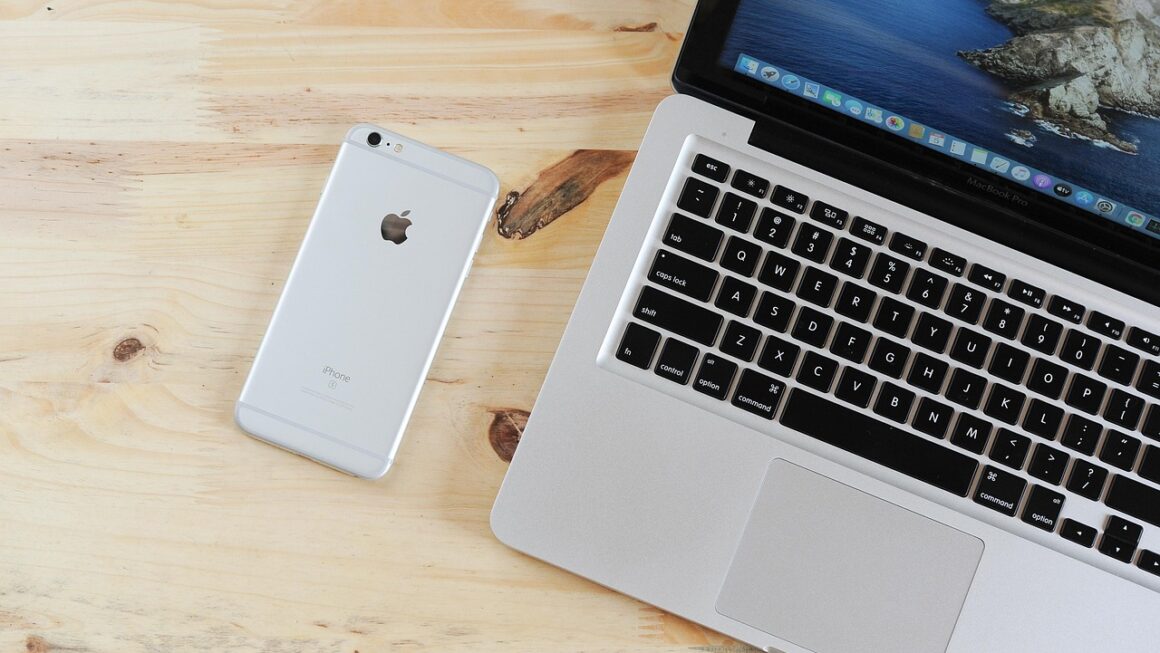
The digital landscape wouldn’t be nearly as navigable, efficient, or comfortable without the unsung heroes of the tech world: computer accessories. These often-overlooked gadgets and peripherals dramatically enhance our computing experience, boosting productivity, improving ergonomics, and even adding a touch of personal flair to our workspaces. Whether you’re a seasoned professional, a student diligently working on assignments, or simply someone who enjoys spending time online, understanding the importance of the right computer accessories can significantly improve your daily digital interactions. This guide explores essential computer accessories, helping you make informed decisions and optimize your tech setup.
Essential Input Devices
The most fundamental connection between you and your computer lies in the input devices you use. Choosing the right keyboard and mouse can dramatically impact your comfort and efficiency.
Keyboards: Types and Features
The keyboard is arguably the most important tool for any computer user. Different types cater to diverse needs and preferences.
- Mechanical Keyboards: These keyboards use individual mechanical switches under each key, providing tactile feedback and a distinct sound. They are popular among gamers and writers for their durability and responsiveness.
Example: Cherry MX Brown switches are popular for their tactile bump without being too loud, making them suitable for office environments.
- Membrane Keyboards: More common and typically more affordable, membrane keyboards use a rubber membrane beneath the keys. While they lack the tactile feedback of mechanical keyboards, they are generally quieter.
Example: Many standard office keyboards are membrane keyboards, offering a reliable and cost-effective solution.
- Ergonomic Keyboards: Designed to reduce strain and promote a more natural hand position, ergonomic keyboards can help prevent repetitive strain injuries (RSIs).
Example: Split keyboards with adjustable angles can significantly reduce wrist strain during long typing sessions.
- Wireless Keyboards: Offer greater flexibility and reduce cable clutter.
Example: Bluetooth keyboards are compatible with a wide range of devices, including tablets and smartphones.
- Actionable Takeaway: Consider your typing style, budget, and ergonomic needs when choosing a keyboard. If you type frequently, investing in a mechanical or ergonomic keyboard can be a worthwhile investment.
Mice: Precision and Comfort
The mouse is another crucial input device, affecting navigation and precision.
- Optical Mice: Use an LED or laser to track movement on a surface. They are generally more accurate than older ball mice.
Example: Most modern mice are optical, offering reliable performance on a variety of surfaces.
- Wireless Mice: Provide freedom of movement and reduce cable clutter. They connect via Bluetooth or a USB receiver.
Example: Wireless gaming mice often have high DPI (dots per inch) and low latency for competitive gaming.
- Ergonomic Mice: Designed to fit comfortably in your hand and reduce strain. Vertical mice are a popular ergonomic option.
Example: A vertical mouse can help prevent wrist pronation, reducing the risk of carpal tunnel syndrome.
- Gaming Mice: Offer customizable buttons, adjustable weight, and high DPI for precise control in games.
Example: Many gaming mice have programmable buttons that can be assigned to specific in-game actions.
- Actionable Takeaway: Choose a mouse that fits comfortably in your hand and offers the features you need for your specific tasks. Consider a wireless or ergonomic mouse to improve comfort and reduce strain.
Enhancing Visual Experience: Monitors and Graphics Cards
The monitor is your primary window into the digital world. The quality of your monitor and graphics card significantly impacts your visual experience, whether you’re gaming, creating content, or simply browsing the web.
Monitors: Size, Resolution, and Refresh Rate
Choosing the right monitor involves considering several key factors:
- Size: Consider the size of your desk and the distance you’ll be sitting from the screen. Common sizes range from 24 inches to 34 inches or larger for ultrawide monitors.
Example: A 27-inch monitor is a popular choice for general use, offering a good balance of screen real estate and pixel density.
- Resolution: Refers to the number of pixels on the screen. Higher resolutions like 1440p or 4K offer sharper images and more detail.
Example: 4K monitors are ideal for content creation and gaming, providing stunning visuals.
- Refresh Rate: Measured in Hertz (Hz), the refresh rate indicates how many times per second the monitor updates the image. Higher refresh rates (e.g., 144Hz or 240Hz) result in smoother motion, especially noticeable in fast-paced games.
Example: A 144Hz monitor is a popular choice for gamers, reducing motion blur and improving responsiveness.
- Panel Type: Different panel types offer varying color accuracy and viewing angles. Common types include IPS, VA, and TN.
Example: IPS panels are known for their excellent color accuracy and wide viewing angles, making them suitable for graphic design and video editing.
- Actionable Takeaway: Determine your primary use case (gaming, content creation, general use) and choose a monitor with the appropriate size, resolution, refresh rate, and panel type.
Graphics Cards: Powering Your Display
The graphics card (GPU) renders the images displayed on your monitor. A powerful GPU is essential for gaming, video editing, and other visually demanding tasks.
- Integrated Graphics: Built into the CPU, integrated graphics are suitable for basic tasks like web browsing and office applications.
Example: Many laptops come with integrated graphics, providing sufficient performance for everyday use.
- Dedicated Graphics Cards: Offer significantly more processing power than integrated graphics. They are essential for gaming, video editing, and other demanding applications.
Example: NVIDIA GeForce RTX and AMD Radeon RX series are popular choices for dedicated graphics cards, offering a range of performance levels to suit different budgets and needs.
- VRAM (Video RAM): The amount of memory on the graphics card. More VRAM is beneficial for handling large textures and complex scenes in games and creative applications.
Example: A graphics card with 8GB or more of VRAM is recommended for gaming at 1440p or 4K resolution.
- Actionable Takeaway: If you plan to game or use visually demanding applications, invest in a dedicated graphics card. Choose a card with sufficient VRAM and processing power to meet your needs.
Audio Accessories: Sound Quality and Communication
High-quality audio accessories can dramatically improve your entertainment experience, communication, and productivity.
Headphones and Headsets: Immersive Audio
Whether you’re listening to music, watching movies, or participating in online meetings, a good pair of headphones or a headset is essential.
- Wired Headphones: Offer reliable audio quality and don’t require batteries.
Example: Studio headphones are designed for accurate audio reproduction, making them suitable for music production and critical listening.
- Wireless Headphones: Provide freedom of movement and connect via Bluetooth.
Example: Noise-canceling headphones are ideal for travel and noisy environments, blocking out distractions and allowing you to focus on your audio.
- Gaming Headsets: Feature a built-in microphone for communication with teammates. They often include features like virtual surround sound and customizable RGB lighting.
Example: Gaming headsets with comfortable earcups and adjustable microphones are essential for competitive online gaming.
- Microphones: Essential for content creation, streaming, and video conferencing.
- Actionable Takeaway: Choose headphones or a headset that meet your specific needs and preferences. Consider factors like sound quality, comfort, and microphone quality.
Speakers: Room-Filling Sound
For a more immersive audio experience, consider investing in a set of speakers.
- Desktop Speakers: Designed for use with computers, offering a compact and convenient audio solution.
Example: 2.1 speaker systems include two satellite speakers and a subwoofer for enhanced bass.
- Soundbars: A single speaker unit that can be placed under your monitor or TV. They offer a clean and minimalist aesthetic.
Example: Soundbars with Dolby Atmos support provide a more immersive surround sound experience.
- Bluetooth Speakers: Portable and versatile, allowing you to stream audio from your computer or mobile devices.
Example: Waterproof Bluetooth speakers are ideal for outdoor use.
- Actionable Takeaway: Choose speakers that match your listening preferences and the size of your room. Consider factors like sound quality, connectivity options, and aesthetics.
Enhancing Productivity: Docking Stations and USB Hubs
In today’s world, multi-tasking is key. Docking stations and USB hubs boost productivity by simplifying connectivity.
Docking Stations: Centralized Connectivity
Docking stations provide a single point of connection for your laptop, allowing you to easily connect to multiple peripherals, displays, and network connections.
- Thunderbolt Docking Stations: Offer high-speed data transfer and support multiple displays.
Example: Thunderbolt 4 docking stations can provide up to 40 Gbps of bandwidth, allowing you to connect to high-resolution displays, external storage devices, and other peripherals.
- USB-C Docking Stations: Compatible with a wide range of laptops and offer a convenient way to connect to multiple devices.
Example: USB-C docking stations often include ports for USB-A, HDMI, Ethernet, and audio.
- Benefits:
Streamlined workspace
Easy connection and disconnection of peripherals
Increased productivity
- Actionable Takeaway: If you frequently use your laptop in multiple locations or need to connect to a variety of peripherals, a docking station can significantly improve your workflow.
USB Hubs: Expanding Connectivity
USB hubs provide additional USB ports for your computer, allowing you to connect more devices.
- USB 3.0 Hubs: Offer fast data transfer speeds.
Example: USB 3.0 hubs can transfer data at speeds of up to 5 Gbps.
- Powered USB Hubs: Provide additional power to connected devices, ensuring stable operation.
Example: Powered USB hubs are ideal for connecting power-hungry devices like external hard drives.
- Benefits:
Increased number of available USB ports
Convenient access to USB ports
Support for multiple devices
- *Actionable Takeaway: If you frequently run out of USB ports, a USB hub can provide a simple and affordable solution. Choose a USB hub with the appropriate number of ports and power delivery capabilities.
Conclusion
Investing in the right computer accessories can significantly enhance your computing experience, improving productivity, comfort, and enjoyment. From essential input devices like keyboards and mice to visual enhancements like monitors and graphics cards, and audio accessories, each component plays a crucial role in optimizing your digital interactions. By carefully considering your needs and preferences, you can create a personalized tech setup that empowers you to achieve your goals and enjoy your time spent on the computer. Remember to stay updated with the latest technological advancements and choose accessories that align with your evolving requirements.