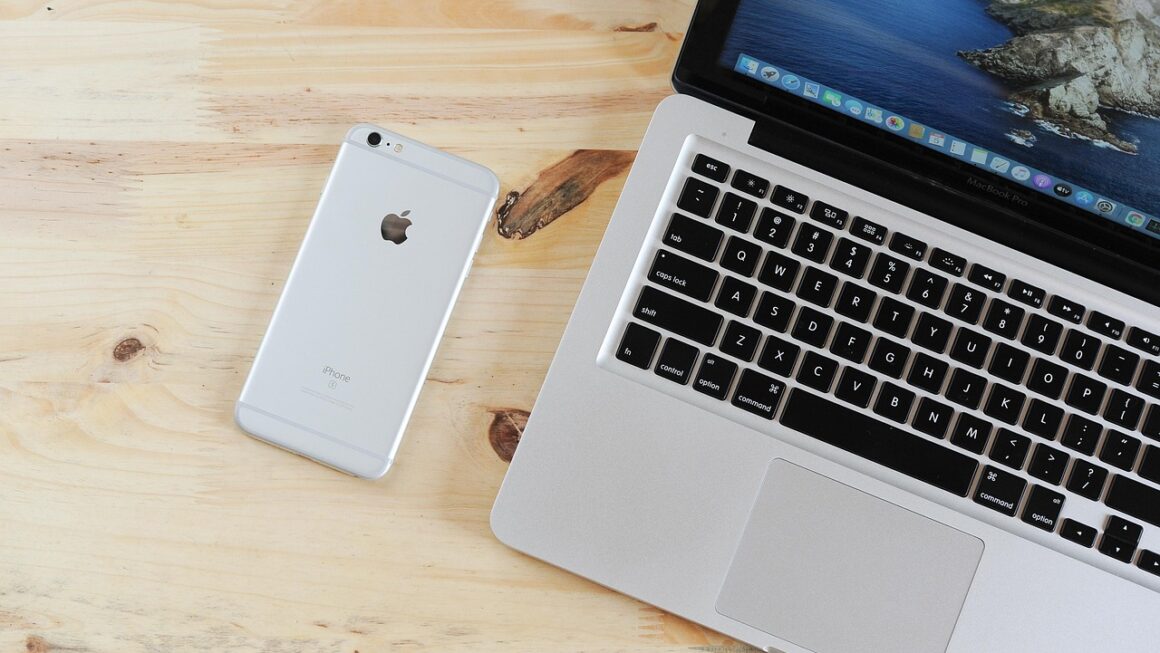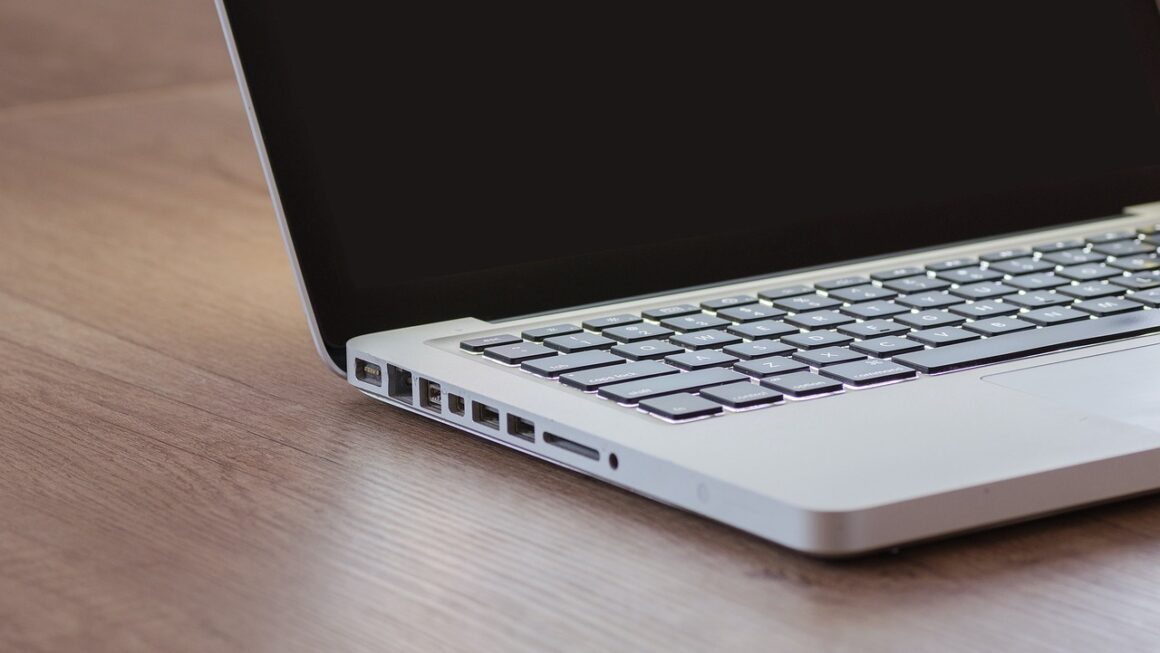
Forget clunky towers and tangled cables! The world of desktop computing is shrinking, and mini PCs are leading the charge. These compact powerhouses are packed with features, offering surprisingly robust performance in a fraction of the space. Whether you’re looking to declutter your workspace, create a media center, or need a portable workstation, a mini PC might be the perfect solution. Let’s dive into everything you need to know about these versatile devices.
What is a Mini PC?
Defining a Mini PC
A mini PC, also known as a small form factor (SFF) PC, is a compact desktop computer designed to offer the functionality of a traditional desktop in a significantly smaller package. They typically range in size from a small book to a smartphone, making them ideal for space-constrained environments.
How They Differ From Traditional Desktops
- Size: Mini PCs are dramatically smaller, often fitting in the palm of your hand.
- Power Consumption: They generally consume less power than traditional desktops, making them more energy-efficient.
- Portability: Their small size makes them easier to transport.
- Expandability: Traditionally, mini PCs offered limited expandability, but modern models are becoming increasingly versatile.
Common Use Cases
- Home Theater PC (HTPC): Perfect for streaming movies, TV shows, and music.
- Office Workstation: Ideal for everyday tasks like word processing, spreadsheets, and web browsing.
- Digital Signage: Used for displaying information in retail stores, restaurants, and public spaces.
- Gaming (Limited): Some high-end mini PCs can handle light to moderate gaming.
- Embedded Systems: Utilized in industrial applications, robotics, and IoT devices.
Benefits of Choosing a Mini PC
Space Saving and Aesthetics
- Minimal Footprint: Frees up valuable desk space and reduces clutter.
- Sleek Design: Often features modern, minimalist designs that blend well with any environment.
- Easy to Mount: Many models can be mounted behind monitors or on walls, further optimizing space.
Energy Efficiency and Cost Savings
- Lower Power Consumption: Consumes significantly less power than a traditional desktop, leading to lower electricity bills.
- Reduced Heat Output: Generates less heat, reducing the need for extensive cooling and potentially extending component lifespan.
- Long-Term Cost Savings: While the initial cost might be comparable to a traditional desktop, the long-term energy savings can be substantial. Studies estimate that mini PCs can save up to 70% on energy costs compared to traditional desktops.
Portability and Convenience
- Easy to Transport: Can be easily moved between locations, making it ideal for users who work from multiple locations or travel frequently.
- Plug-and-Play Setup: Typically easy to set up and configure, requiring minimal technical expertise.
Silent Operation
- Fanless Designs: Many mini PCs utilize fanless cooling systems, resulting in virtually silent operation. This is particularly beneficial in quiet environments like libraries or recording studios.
Key Features to Consider
Processor (CPU)
- Intel vs. AMD: Choose between Intel and AMD processors based on your performance needs and budget. Intel generally offers better single-core performance, while AMD provides better value for multi-core tasks.
- Number of Cores and Threads: Consider the number of cores and threads based on your workload. More cores and threads are beneficial for multitasking and demanding applications.
- Clock Speed: Higher clock speeds generally translate to faster performance.
Memory (RAM)
- Capacity: Aim for at least 8GB of RAM for basic tasks and 16GB or more for demanding applications or multitasking.
- Speed: Faster RAM speeds can improve overall system performance.
- Type: DDR4 is the current standard, with DDR5 becoming increasingly common in newer models.
Storage (SSD/HDD)
- SSD vs. HDD: SSDs (Solid State Drives) offer significantly faster performance compared to HDDs (Hard Disk Drives). Choose an SSD for your primary drive for faster boot times and application loading.
- Capacity: Choose a storage capacity based on your needs. 256GB is a good starting point for basic use, while 512GB or 1TB is recommended for storing large files or installing numerous applications.
- NVMe vs. SATA: NVMe SSDs offer even faster performance compared to SATA SSDs.
Ports and Connectivity
- USB Ports: Ensure the mini PC has a sufficient number of USB ports, including USB 3.0 or USB 3.1 for faster data transfer speeds.
- HDMI/DisplayPort: Choose a model with the appropriate video outputs for your monitor(s).
- Ethernet Port: Essential for a stable and reliable network connection.
- Wi-Fi and Bluetooth: Ensure the mini PC supports the latest Wi-Fi standards (e.g., Wi-Fi 6) and Bluetooth for wireless connectivity.
Graphics (GPU)
- Integrated Graphics: Most mini PCs come with integrated graphics, which are sufficient for basic tasks and light gaming.
- Dedicated Graphics: Some high-end mini PCs offer dedicated graphics cards for improved gaming and graphics-intensive performance. Consider these if you plan on doing any serious gaming or video editing.
Operating System
- Windows: The most common operating system for mini PCs, offering broad compatibility with software and hardware.
- Linux: A free and open-source operating system that is popular for its flexibility and customization options.
- Barebone Systems: Some mini PCs are sold as barebone systems, requiring you to install your own operating system.
Choosing the Right Mini PC for Your Needs
Determine Your Primary Use Case
- Office Work: Focus on processor power, RAM, and storage capacity.
- Home Theater: Prioritize HDMI output, audio capabilities, and storage for media files.
- Gaming: Look for a model with a dedicated graphics card or a powerful integrated GPU.
- Digital Signage: Consider reliability, low power consumption, and ease of management.
Set a Budget
- Mini PCs range in price from a few hundred dollars to over a thousand dollars. Set a budget before you start shopping to narrow down your options.
Research Brands and Models
- Read reviews and compare specifications before making a purchase. Popular brands include Intel, AMD, Beelink, Minisforum, and Zotac.
Consider Future Expandability
- Check if the mini PC has slots for adding more RAM or storage. Some models also allow you to upgrade the processor.
Practical Examples and Tips
- Home Office: A mini PC with an Intel Core i5 processor, 8GB of RAM, and a 256GB SSD is a great option for general office work. Consider a model with multiple display outputs for improved productivity.
- Media Center: A mini PC with an HDMI 2.0 port, 4GB of RAM, and a 128GB SSD is sufficient for streaming 4K content. Consider a model with a built-in IR receiver for remote control functionality.
- Gaming: A mini PC with a dedicated graphics card, 16GB of RAM, and a 512GB SSD is recommended for gaming. Check the specific graphics card to ensure it meets the requirements of the games you want to play.
Conclusion
Mini PCs offer a compelling alternative to traditional desktop computers, providing a balance of performance, efficiency, and portability. By understanding your specific needs and considering the key features discussed in this guide, you can choose the perfect mini PC to enhance your productivity, entertainment, or business operations. The miniaturization of computing power is only going to continue, making mini PCs an increasingly relevant and attractive option for a wide range of users. Embrace the small and powerful future of computing!